
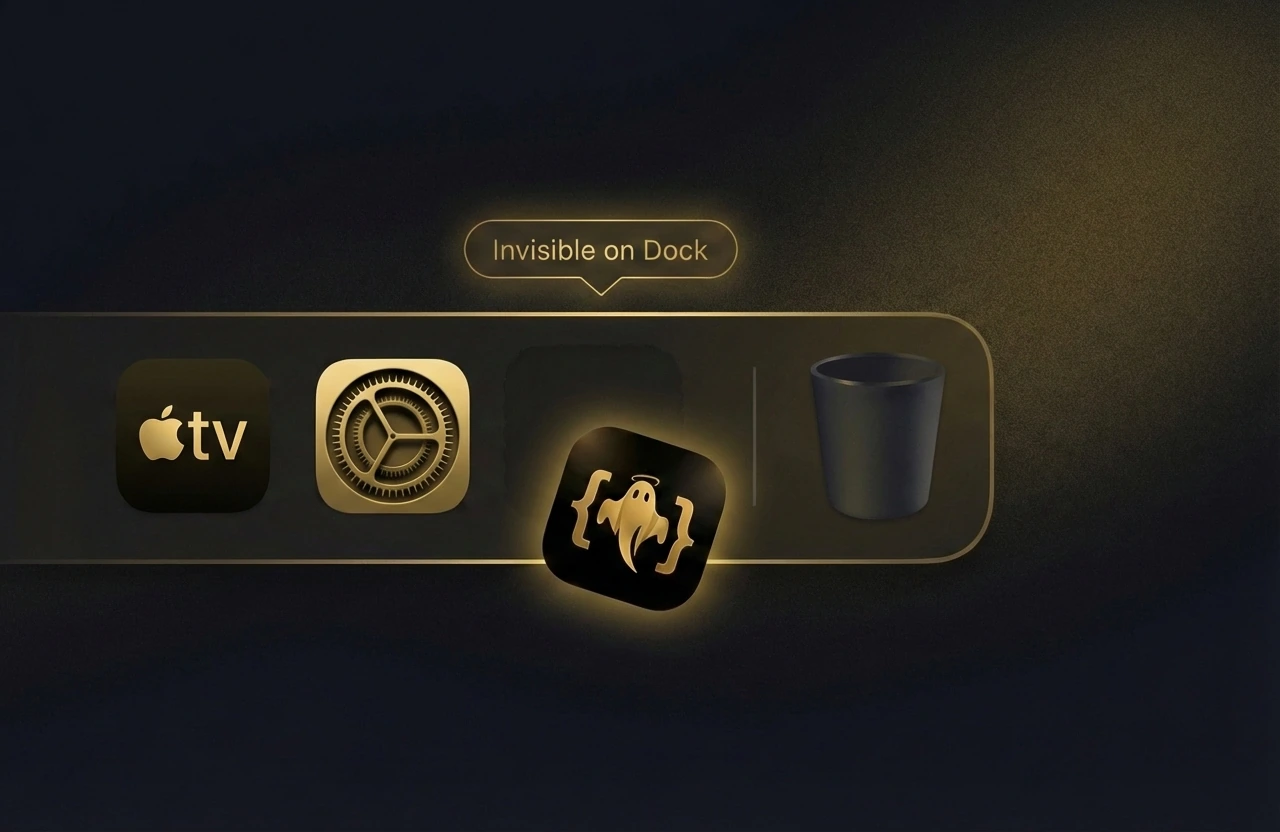
No Dock or taskbar footprint
Runs without a visible app icon, so there is nothing to spot at a glance.
GhostInterview gives software engineers instant LeetCode/ACM solutions, system design and object-oriented design (OOD) guidance, plus real-time voice prompts. Invisible during screen share. No setup. Works out of the box.
Live coding, system design, and OOD guidance that stays invisible on supported screen-share workflows.
Official downloads · No credit card required
67,000+ developers hired at top companies. Best experienced on desktop.
Trusted by developers
67,000+Developers use GhostInterview before coding, system design, and OOD interviews.
Trusted by 67,000+ Devs Hired at Top Companies
Perfect Stealth Tech
Built on OS-level techniques that keep GhostInterview invisible across screen share, live interviews, and monitoring tools.
Runs without a visible app icon, so there is nothing to spot at a glance.
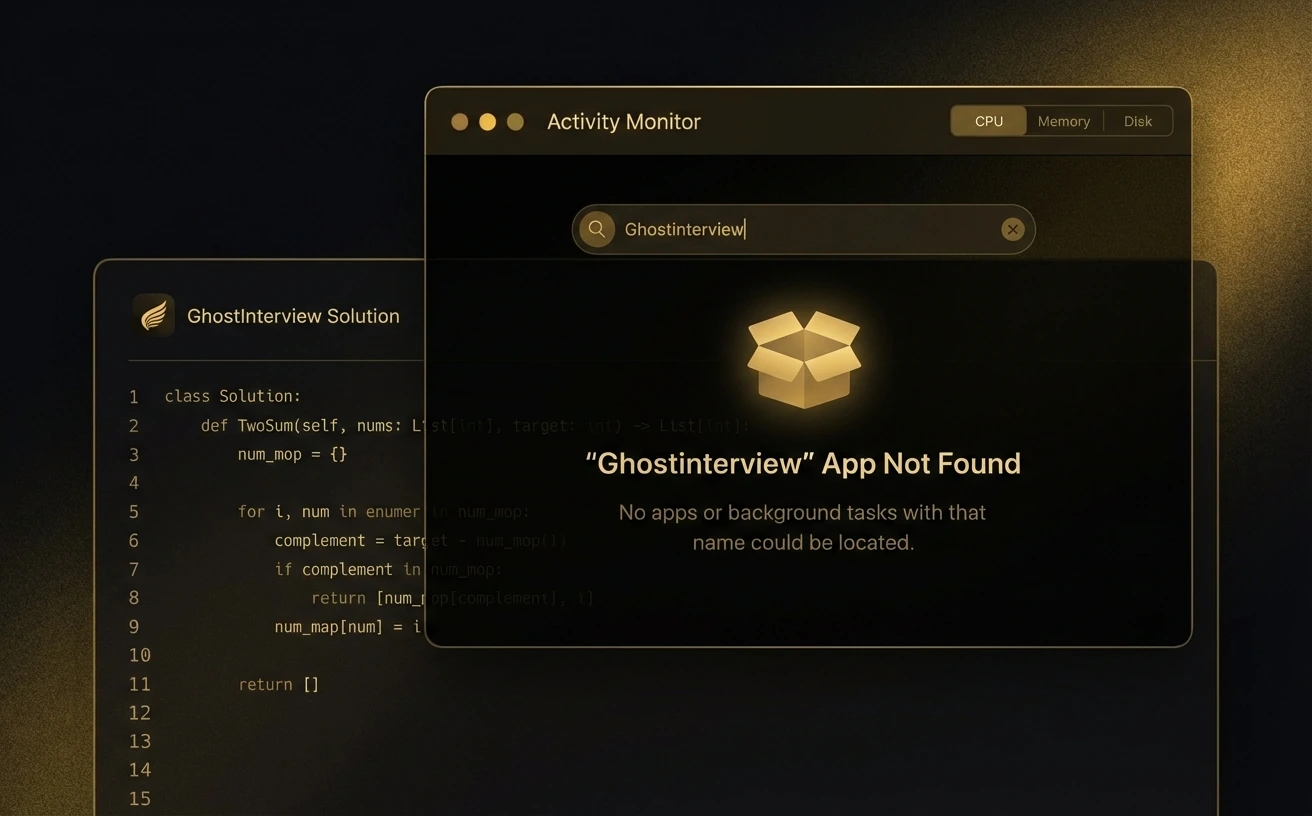
Processes stay quiet in system monitors with no obvious trace.
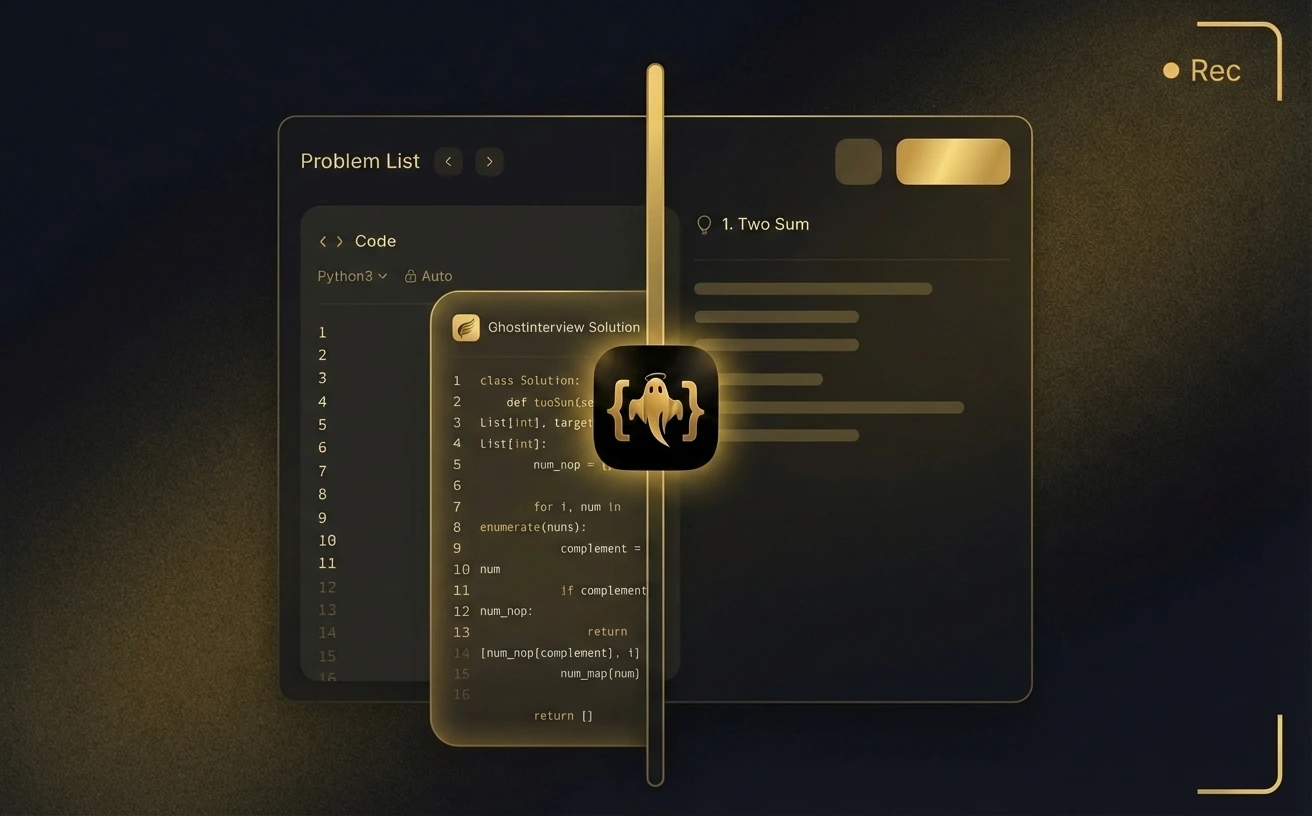
Even when sessions are recorded, the overlay never appears in the capture.
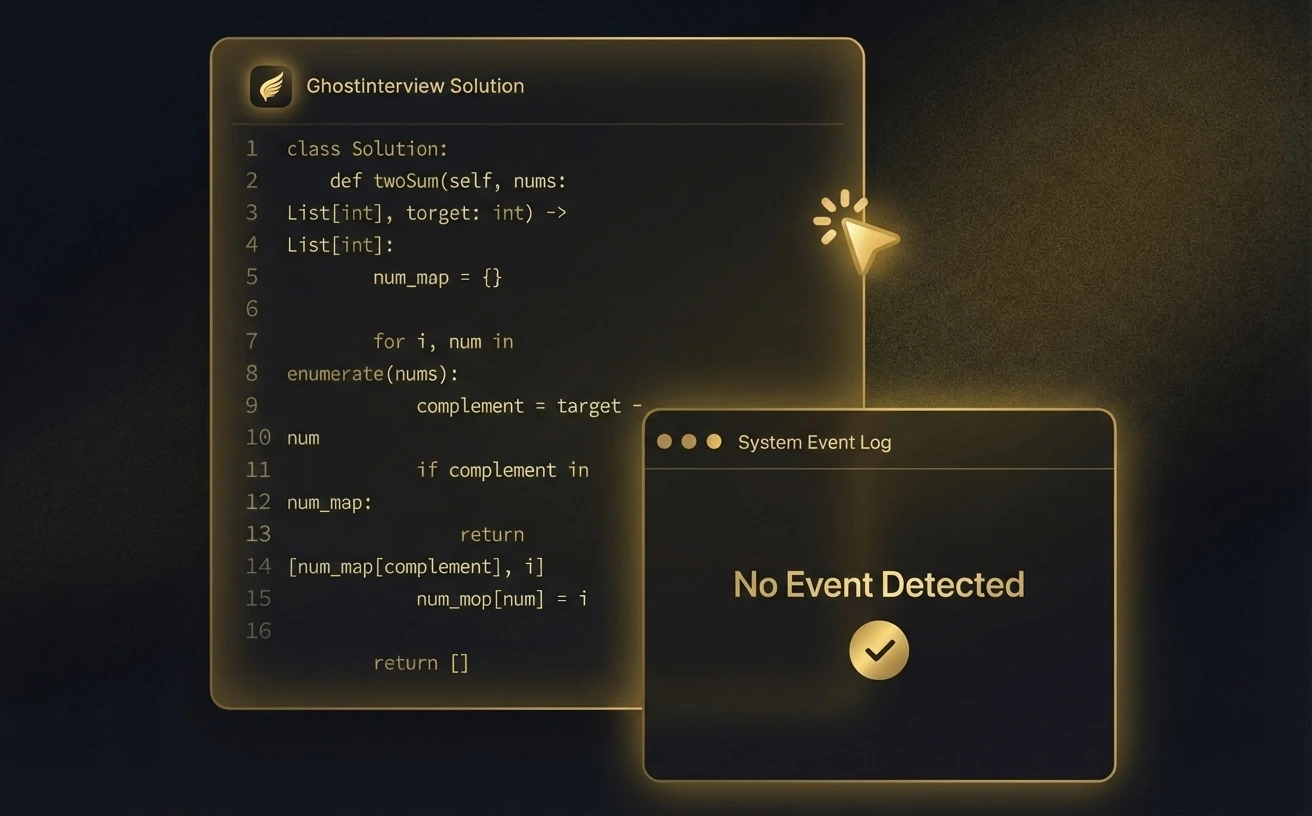
Hints live in a transparent layer with no focus change, markers, or artifacts.
Perfect stealth tech
Three things mobile visitors need to know first before opening the full stealth breakdown.
Runs without a visible app icon, so there is nothing to spot at a glance.
Processes stay quiet in system monitors with no obvious trace.
Even when sessions are recorded, the overlay never appears in the capture.
Use cases
Pick the guide that matches your next interview round. Each one includes a workflow, checklist, and related resources.
Use case 01
Real-time guidance across coding, system design, and OOD.
Explore AI interview assistant ->Use case 02
Prompt extraction, reasoning, and complexity in live coding rounds.
Explore coding interviews ->Use case 03
Support for LeetCode-style questions with full solution breakdowns.
Explore LeetCode guidance ->Use case 04
Architecture, scaling, and trade-offs for senior interviews.
Explore system design ->Use case 05
Class models, responsibilities, and patterns for OOD rounds.
Explore OOD guidance ->Use case 06
Stealth-first workflows that stay hidden on screen share.
Explore invisible screen share ->Company guides
Browse high-signal company interview guides that connect common loop patterns, compensation context, and the GhostInterview workflow that fits best.
Big Tech
Meta prep works best when you know which signal is most likely to move the outcome, confirm the loop shape early, and size your effort against the related compensation range.
Median total comp: $456,000
Open guide ->Big Tech
Netflix prep works best when you know which signal is most likely to move the outcome, confirm the loop shape early, and size your effort against the related compensation range.
Median total comp: $375,000
Open guide ->Big Tech
Google prep works best when you know which signal is most likely to move the outcome, confirm the loop shape early, and size your effort against the related compensation range.
Median total comp: $331,800
Open guide ->Big Tech
Apple prep works best when you know which signal is most likely to move the outcome, confirm the loop shape early, and size your effort against the related compensation range.
Median total comp: $319,000
Open guide ->Big Tech
Amazon prep works best when you know which signal is most likely to move the outcome, confirm the loop shape early, and size your effort against the related compensation range.
Median total comp: $271,000
Open guide ->Big Tech
Microsoft prep works best when you know which signal is most likely to move the outcome, confirm the loop shape early, and size your effort against the related compensation range.
Median total comp: $223,500
Open guide ->Compare side-by-side, then verify the screen-share workflow on your own setup before a live interview.
Platform coverage
Continuous checks across meeting and coding platforms keep GhostInterview invisible in real interviews.
 Zoom
Zoom Microsoft Teams
 Google Meet
 Tencent Meeting
 Feishu
 Amazon Chime
11+ meeting and coding platforms continuously checked for real interview setups.
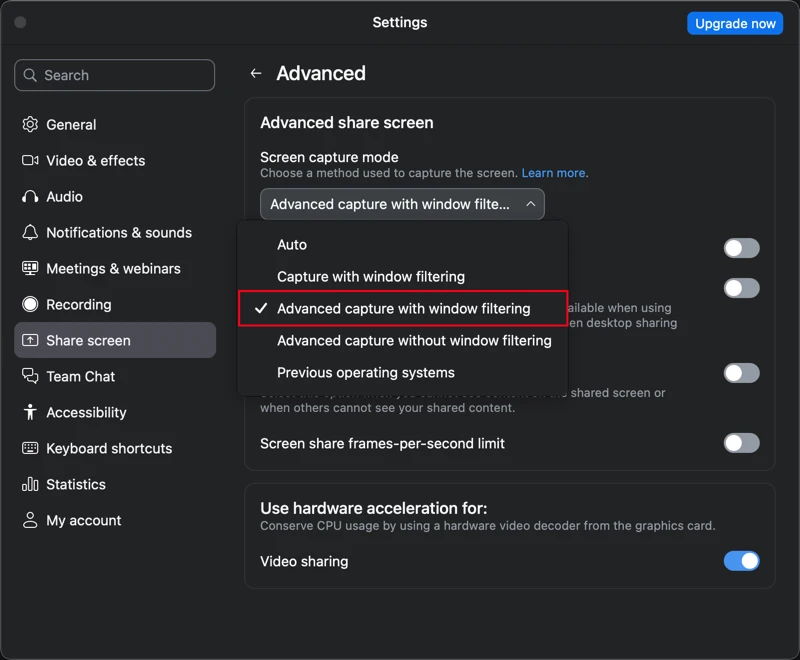
Check supported platformsZoomOpen Zoom Settings → Screen Share → Advanced, and keep advanced capture with window filtering enabled to stay fully invisible.
 Microsoft TeamsGoogle MeetTencent Meeting
When sharing video, choose Standard mode and enable ‘Prefer video smoothness’ for the most stable stealth performance.
 FeishuAmazon Chime
 Webex
Webex Chrome
 Edge
Edge HackerRank
 CoderPad
Pricing
Paid plans include 1000 credits that reset every month.
Try before you buy
FAQ
Clear, direct explanations for the questions we hear most.
GhostInterview is an AI interview copilot for software engineers. It helps with LeetCode-style coding questions, system design, and object-oriented design while staying invisible on screen share on supported workflows.
GhostInterview is designed to stay invisible during screen share by rendering its overlay outside captured layers on supported platforms. The safest workflow is still to validate your exact setup before a live interview.
Yes. The Free plan lets you test core features with usage limits before upgrading to Pro.
Most tools focus on practice or mock sessions. GhostInterview is built for real interviews, with live guidance across coding, system design, and OOD plus a stealth-first workflow for supported screen-share setups.
Yes. GhostInterview delivers live guidance for LeetCode-style coding prompts, system design, object-oriented design, and architecture questions.
Yes. ghostinterview.co is the official GhostInterview website. You can learn how GhostInterview works, review supported platforms, compare alternatives, and download the desktop app from here.
GhostInterview supports meeting platforms like Zoom, Google Meet, Microsoft Teams, Tencent Meeting, Feishu, and DingTalk, plus coding platforms like LeetCode, HackerRank, CoderPad, and Nowcoder.
Yes. GhostInterview tracks interface, speech, and answer output languages separately. See the supported language matrix
Use the download buttons on ghostinterview.co to get the latest GhostInterview desktop build for macOS or Windows. If you want to check fit first, start with the Free plan and the supported-platform guides.
Email support@ghostinterview.co. We usually respond within 48 hours.
Download
Download the desktop copilot that stays invisible during interviews.
No credit card. No setup. Works instantly.
Open the download link later on your Mac or Windows PC.